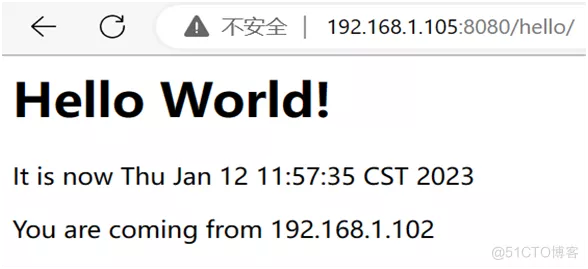
For Java programs, Jenkins requires the use of build tools such as maven, ant, etc., with maven being more popular. Here we use maven to implement the deployment of Java applications.
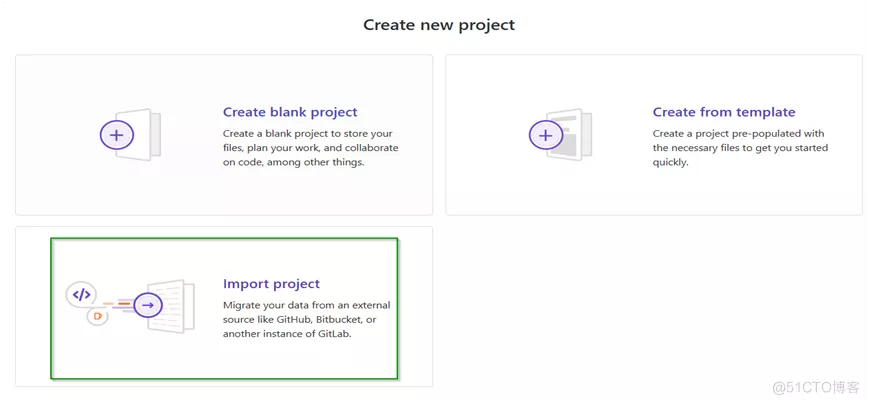
Prepare Java code in GitLab
Deploy Tomcat and configure it
Open /var/lib/tomcat9/conf/tomcat-users.xml and do the following configuration.
Open /var/lib/tomcat9/webapps/manager/META-INF/context.xml and make the following configuration.
Restart tomcat9 afterwards
Installing maven and tomcat plugins
Maven plugin can implement maven style tasks
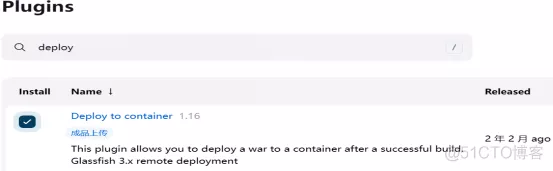
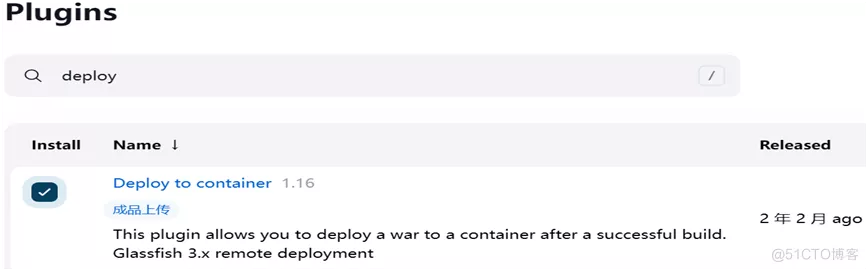
Deploy to container plugin to connect to tomcat
Jenkins server to install maven and configure image acceleration
|
|
Open the /etc/maven/settings.xml file and do the following configuration.
Viewing the values of the relevant variables

Jenkins global tools to configure jdk and maven
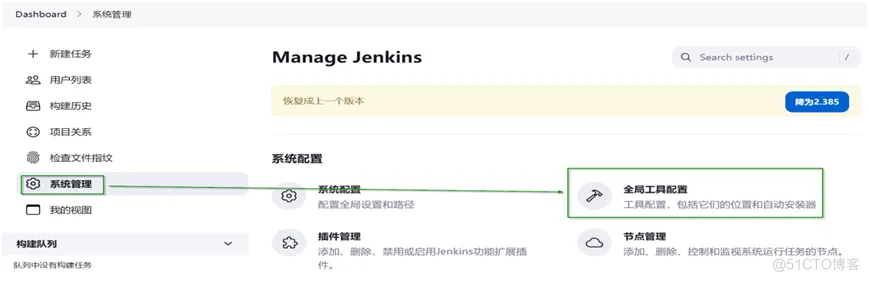
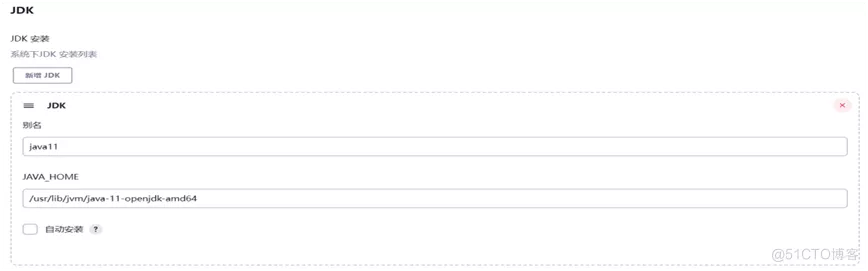
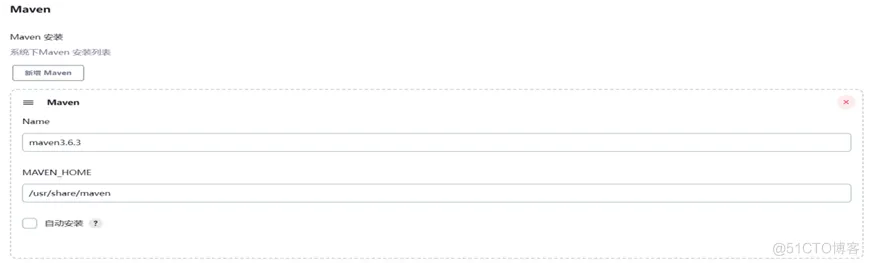
Creating global credentials for tomcat
Create users and privileges for jenkins to connect to tomcat according to the user privileges configuration of tomcat
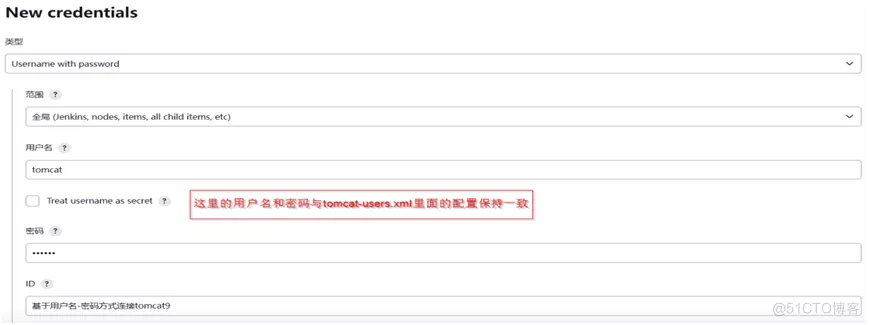
Create task
Enter maven’s build option clean package -Dmaven.test.skip=true
Build verification